BenQ SW271C vs Dell U2723QE: Which 4K Monitor is Right for You?
Choosing a professional 27-inch 4K monitor can be a daunting task, with a market flooded with seemingly similar specifications. However, among the top contenders, the BenQ SW271C and the Dell U2723QE stand out as champions of two very different philosophies. While both offer stunning 4K resolution and excellent color, they are engineered for distinct professional workflows. The BenQ SW271C is a precision instrument crafted for the color purist—the professional photographer or print designer whose work demands uncompromising color fidelity, especially within the Adobe RGB color space. In contrast, the Dell U2723QE is a productivity powerhouse, a master of connectivity and efficiency designed for the modern professional who juggles multiple devices and values a streamlined, single-cable workspace. This comparison will dissect their strengths and weaknesses to help you determine which of these exceptional displays is the right tool for your specific needs.
(As an Amazon Associate, we earn from qualifying purchases. This does not affect our editorial decisions or the price you pay.)Can't wait? Check out the
or the .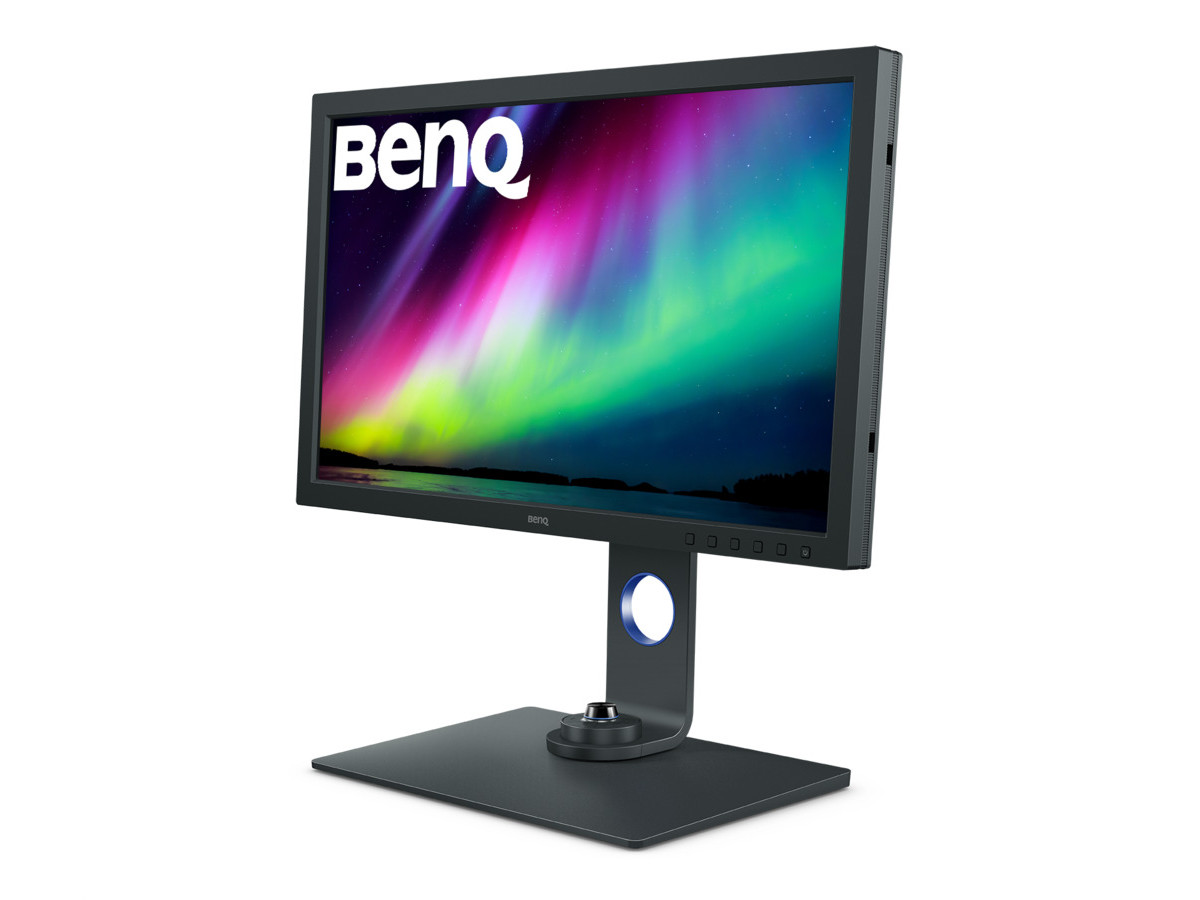
At a Glance: Head-to-Head Comparison
To understand the core differences between these two monitors, a direct comparison of their key specifications is essential. This table highlights where each monitor prioritizes its features, setting the stage for a more in-depth analysis.
| Feature | BenQ SW271C | Dell U2723QE |
|---|---|---|
| Panel Type & Size | 27-inch IPS | 27-inch IPS Black |
| Resolution | 3840 x 2160 (4K UHD) | 3840 x 2160 (4K UHD) |
| Key Feature | Hardware Calibration & Adobe RGB Focus | IPS Black Panel & KVM Productivity Hub |
| Color Gamut | 99% Adobe RGB, 90% DCI-P3 | 87-90% Adobe RGB, 98% DCI-P3 |
| Contrast Ratio | 1000:1 (Static) | 2000:1 (Static) |
| Brightness | 300 nits (Typical) | 400 nits (Typical) |
| Connectivity Hub | USB-C (60W PD), SD Card Reader, 2x USB-A | USB-C (90W PD), KVM Switch, Ethernet, 5x USB-A, DP Out |
| Hardware Calibration | Yes, with Palette Master Element | No |
| Price Band | High-End Professional | Premium |
Round 1: Color Accuracy & Gamut (For the Purists)
In the realm of pure color fidelity, the BenQ SW271C emerges as the decisive winner. This monitor is purpose-built for professionals, particularly photographers and print designers, for whom color accuracy is not just a feature but a fundamental requirement. The SW271C's standout specification is its coverage of 99% of the Adobe RGB color space. This is critically important for any workflow that involves print, as the Adobe RGB gamut is significantly wider than the more common sRGB, especially in greens and cyans, allowing for a more accurate representation of what will be produced on paper. While the Dell U2723QE offers excellent color, its Adobe RGB coverage hovers around 87-90%, making the BenQ the superior choice for soft-proofing and print-centric editing.
Beyond gamut coverage, the BenQ SW271C's advantage is cemented by its support for true hardware calibration. It features an integrated image processing chip and a 16-bit 3D Look-Up Table (LUT), which allows for incredibly precise color adjustments to be stored directly on the monitor itself, independent of the computer's graphics card. Using BenQ's Palette Master Element software, users can calibrate the display to exacting standards, ensuring consistent and reliable color over time. The monitor also arrives Calman Verified and Pantone Validated, with a factory calibration report demonstrating a Delta E (a measure of color difference) of less than 2, signifying that color errors are virtually imperceptible to the human eye. For the professional whose livelihood depends on perfect color, these features are non-negotiable, making the SW271C the clear champion in this round.
Round 2: Connectivity & Productivity (For the Power User)
If the BenQ is a specialist's tool, the Dell U2723QE is the ultimate multitasking command center. In the battle for connectivity and productivity, Dell wins by a landslide. The U2723QE is designed to be the heart of a modern desk setup, effectively eliminating the need for a separate docking station. Its primary weapon is a comprehensive USB-C hub that provides 90W of power delivery, enough to charge most high-performance laptops with a single cable that also carries video and data. This is a significant step up from the BenQ's 60W power delivery, which may not be sufficient for more power-hungry machines under heavy load.
The Dell's dominance extends further with the inclusion of a built-in KVM (Keyboard, Video, Mouse) switch. This allows you to connect two different computers to the monitor and control both using a single keyboard and mouse, seamlessly switching between them. This is a game-changer for users who work with both a desktop and a laptop, or a PC and a Mac. Furthermore, the U2723QE includes a built-in RJ45 Ethernet port, providing a stable, wired internet connection to your laptop through the USB-C cable. It also supports daisy-chaining a second monitor via its DisplayPort-out connection. The BenQ SW271C offers a respectable set of ports, including a useful SD card reader, but it simply cannot compete with the sheer versatility and hub-like functionality of the Dell U2723QE, which is engineered to create a clean, powerful, and efficient workspace.
Round 3: Image Quality & Contrast (The Viewing Experience)
While color accuracy is a scientific measure, the subjective experience of image quality often comes down to contrast and depth. In this round, the Dell U2723QE takes the crown, thanks to its implementation of IPS Black technology. Traditional IPS panels, like the one found in the BenQ SW271C, typically offer a static contrast ratio of 1000:1. The Dell U2723QE's IPS Black panel doubles this to 2000:1. This is not just a number on a spec sheet; it translates to a visibly superior viewing experience. Blacks are noticeably deeper and less prone to the grayish glow often seen on standard IPS displays in dark scenes.
This enhanced contrast ratio gives the entire image more "pop" and richness. Colors appear more saturated and vibrant, and the added depth makes the Dell a more immersive display for consuming media, editing video, and general use. Coupled with its higher typical brightness of 400 nits compared to the BenQ's 300 nits, the Dell performs better in well-lit office environments by more effectively combating glare. While the BenQ's color is technically more accurate for specific print workflows, the Dell's superior contrast and brightness deliver a more visually impressive and engaging picture for a broader range of applications, making it the winner for overall viewing experience. It's important to note that neither monitor offers a true HDR experience, as they lack the necessary local dimming and peak brightness for mastering high dynamic range content.
Round 4: Special Features & Workflow
This round is a tie, as each monitor provides a unique set of features tailored perfectly to its target user. The value of these features is entirely dependent on your professional workflow.
The BenQ SW271C comes bundled with accessories designed to enhance a photographer's or designer's process. The Hotkey Puck G2 is a physical controller that allows for instant switching between color modes (like Adobe RGB, sRGB, and a custom Black & White mode) and quick adjustments to brightness and contrast without navigating on-screen menus. The monitor also includes a substantial shading hood, which attaches to the display to block ambient light and reduce glare, ensuring the most accurate on-screen color representation possible. Furthermore, BenQ's Paper Color Sync software allows users to simulate the look of their photos on specific printer and paper combinations, providing a more reliable soft-proofing experience. These are tangible, workflow-specific tools that a color-critical professional will use daily.
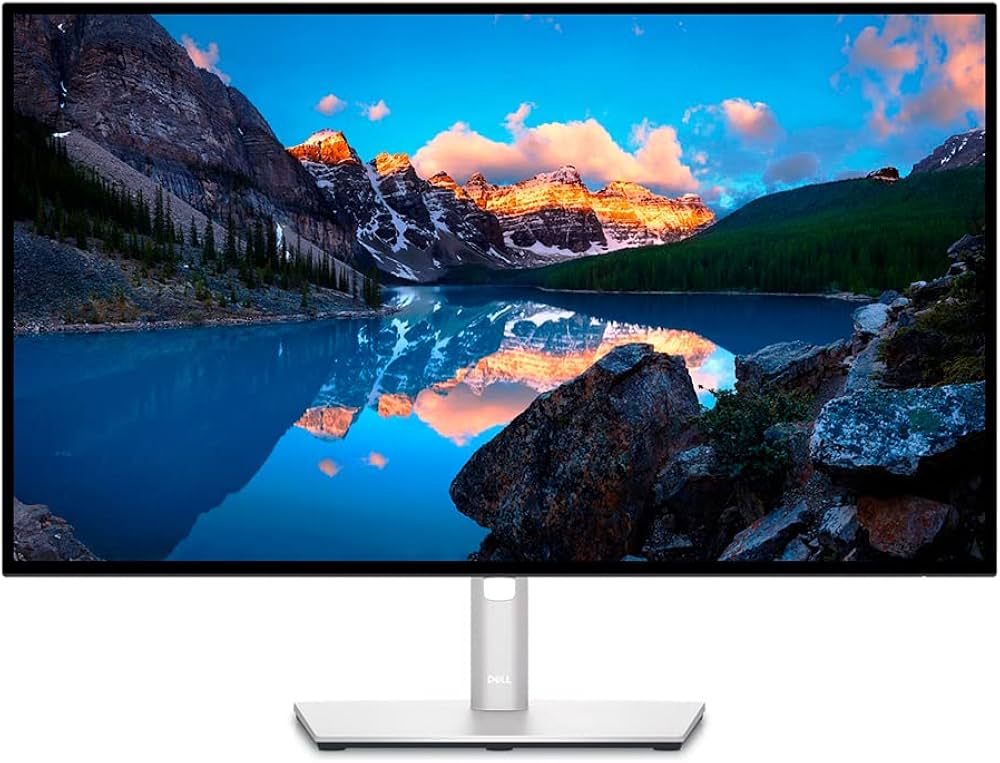
On the other hand, the Dell U2723QE's special features are centered on office productivity and system integration. The Dell Display Manager software is a powerful utility that works in concert with the monitor's hardware. It allows for easy window management, input switching for the KVM, and configuration of Picture-in-Picture and Picture-by-Picture modes. The monitor's robust stand offers excellent ergonomics, and its overall design is focused on creating a seamless, integrated system that simplifies complex setups. While it lacks the photographer-centric hardware of the BenQ, its software and integration features are just as valuable to the power user looking to maximize efficiency.
Who Should Buy the BenQ SW271C?
The BenQ SW271C is the unequivocal choice for a specific type of creative professional. You should buy this monitor if your work lives and dies by the Adobe RGB color space. This includes professional photographers, fine art printers, high-end retouchers, and any digital artist whose primary output is destined for print. For these users, the 99% Adobe RGB coverage, combined with the precision of hardware calibration via the 16-bit 3D LUT, is not a luxury but a necessity for a color-managed workflow. The included shading hood and Hotkey Puck are not gimmicks; they are practical tools that save time and ensure accuracy. If your career depends on matching screen to print and achieving perfect color fidelity, the SW271C is an investment in professional-grade reliability.
If color accuracy is your top priority, the
.Who Should Buy the Dell U2723QE?
The Dell U2723QE is the ideal monitor for a much broader range of professionals who value versatility, connectivity, and a superior general viewing experience. You should buy this monitor if you are a laptop-centric user who wants a powerful, single-cable docking station for a clean desk. It's perfect for video editors who work primarily in the DCI-P3 color space (where the Dell offers 98% coverage) and will benefit from the deep blacks of the IPS Black panel. It is also an outstanding choice for programmers, financial analysts, and general office power users who frequently juggle multiple computers and will make extensive use of the built-in KVM switch. If your goal is to create the ultimate productivity hub that also delivers a stunning, high-contrast 4K picture for a wide variety of tasks, the Dell U2723QE is built for you.
For the ultimate productivity hub, look no further than the
.The Final Verdict
In the end, the choice between the BenQ SW271C and the Dell U2723QE is not about which monitor is "better" overall, but which is the better tool for your job. They are both exceptional 4K displays that represent the pinnacle of their respective design philosophies.
The BenQ SW271C is a specialist's instrument. It makes a singular promise of uncompromising color accuracy for print-focused workflows and delivers on it flawlessly with its expansive Adobe RGB coverage and hardware calibration capabilities.
The Dell U2723QE is a versatile workhorse. It excels as a productivity hub with its unmatched connectivity and KVM switch, while its IPS Black panel provides a richer, higher-contrast image that enhances nearly every task, from video editing to daily office work.
To make your decision, look at your primary workflow. If your world is measured in Delta E and your final product is a physical print, the BenQ SW271C is your monitor. If your world involves multiple devices, a desire for a clean and powerful desk, and an appreciation for deep, inky blacks in your display, the Dell U2723QE is the clear winner.