As a professional photographer with over 10 years of experience, I understand the critical role a high-quality monitor plays in the creative process. The right display can make the difference between a good and a great final product. In this guide, we'll explore the best monitors for creators in 2026, covering a range of options to suit different needs and budgets.
Check Price on AmazonThe Best Monitors for Creators: Quick List
In-Depth Reviews of the Best Monitors for Creators
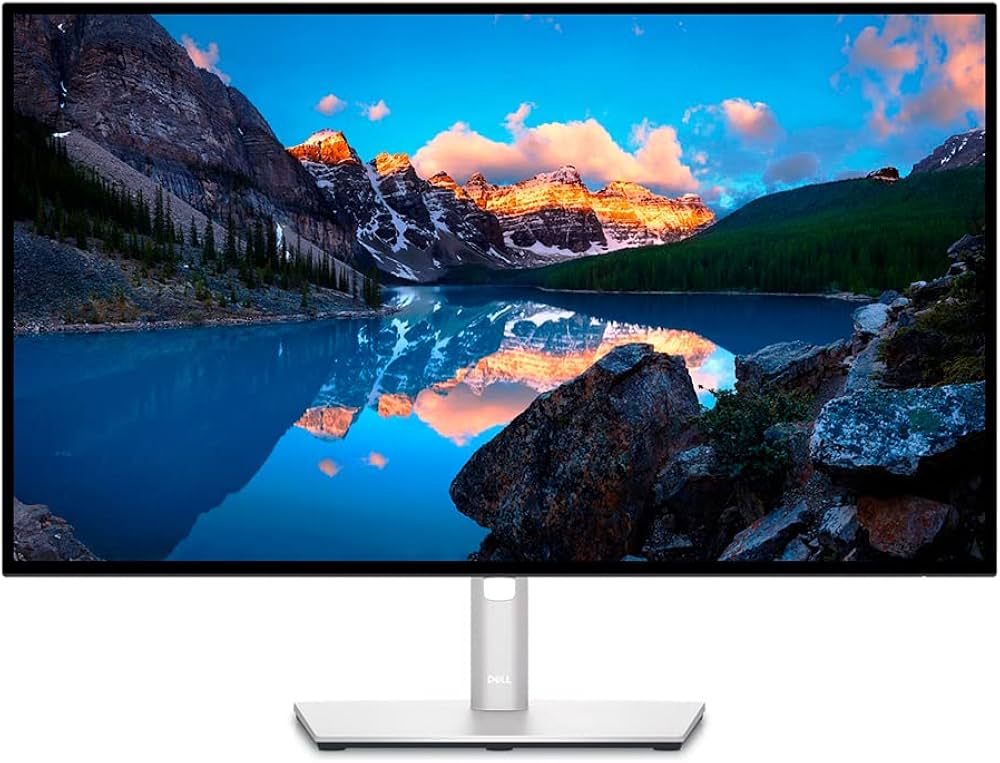
1. Dell Ultrasharp U2723QE - Best Overall
The Dell Ultrasharp U2723QE is our top pick for the best overall monitor for creators. It offers a superb balance of features, performance, and price, making it an excellent choice for a wide range of creative professionals.
Key Specs:- Screen Size: 27-inch
- Resolution: 3840 x 2160 (4K)
- Panel Type: IPS Black
- Color Gamut: 98% DCI-P3, 100% sRGB
- Connectivity: USB-C (90W PD), HDMI, DisplayPort, USB-A hub
- Exceptional color accuracy
- Excellent connectivity with a built-in USB-C hub
- Sharp 4K resolution
- IPS Black technology for deeper blacks
- 60Hz refresh rate
- No built-in speakers
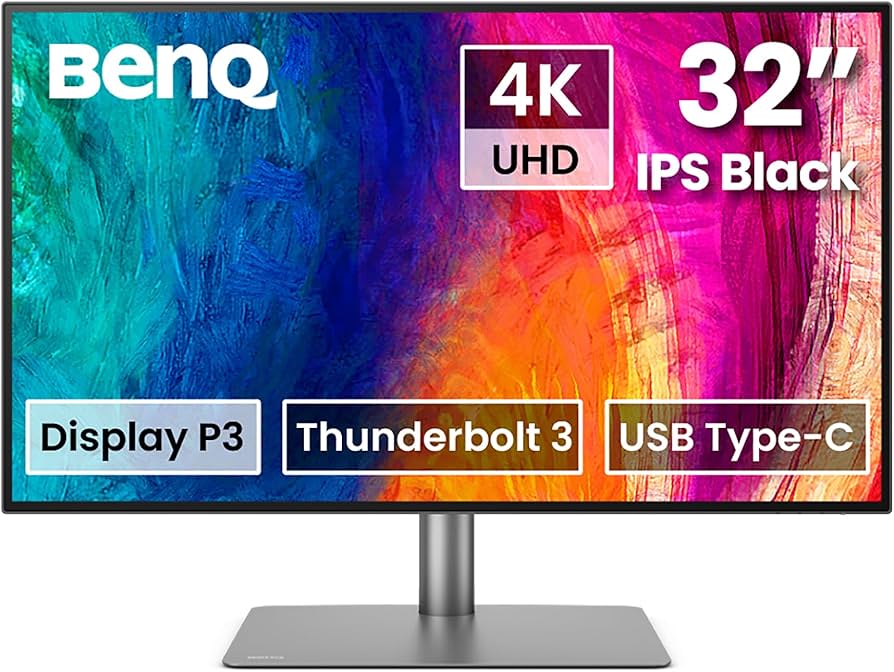
2. BenQ PD3225U - Best for Color Accuracy
For creators who demand the utmost in color accuracy, the BenQ PD3225U is an exceptional choice. This 32-inch 4K monitor is specifically designed for creative professionals, with a focus on precise color reproduction.
Key Specs:- Screen Size: 31.5-inch
- Resolution: 3840 x 2160 (4K)
- Panel Type: IPS
- Color Gamut: 95% DCI-P3, 100% sRGB/Rec.709
- Connectivity: Thunderbolt 3 (85W PD), HDMI, DisplayPort, USB-C hub
- Factory-calibrated for excellent color accuracy
- M-Book mode for matching Mac colors
- Thunderbolt 3 connectivity
- Hotkey Puck for easy settings adjustment
- More expensive than some competitors
- 60Hz refresh rate
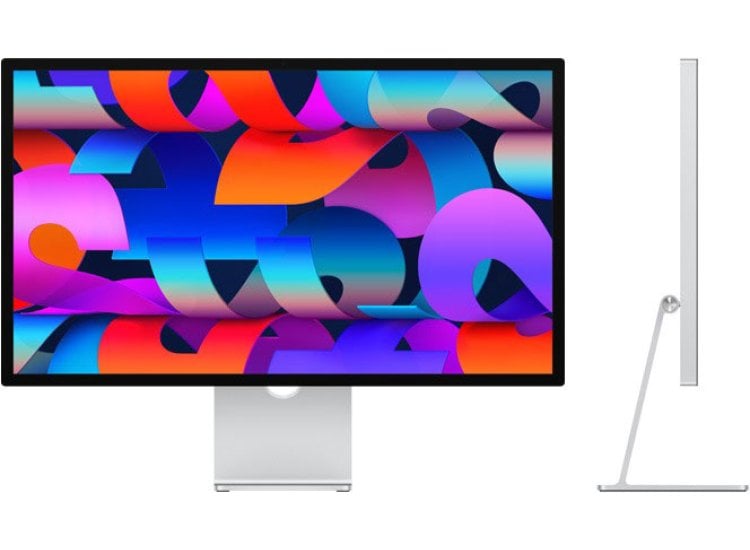
3. Apple Studio Display - Best for Mac Users
For those deeply embedded in the Apple ecosystem, the Apple Studio Display is a natural choice. This 27-inch 5K monitor is designed to work seamlessly with Macs, offering a premium user experience.
Key Specs:- Screen Size: 27-inch
- Resolution: 5120 x 2880 (5K)
- Panel Type: IPS
- Color Gamut: P3 wide color
- Connectivity: Thunderbolt 3 (96W PD), 3x USB-C
- Stunning 5K resolution
- Excellent build quality
- Seamless integration with macOS
- Great built-in webcam and speakers
- Very expensive
- Stand upgrades are costly
- 60Hz refresh rate
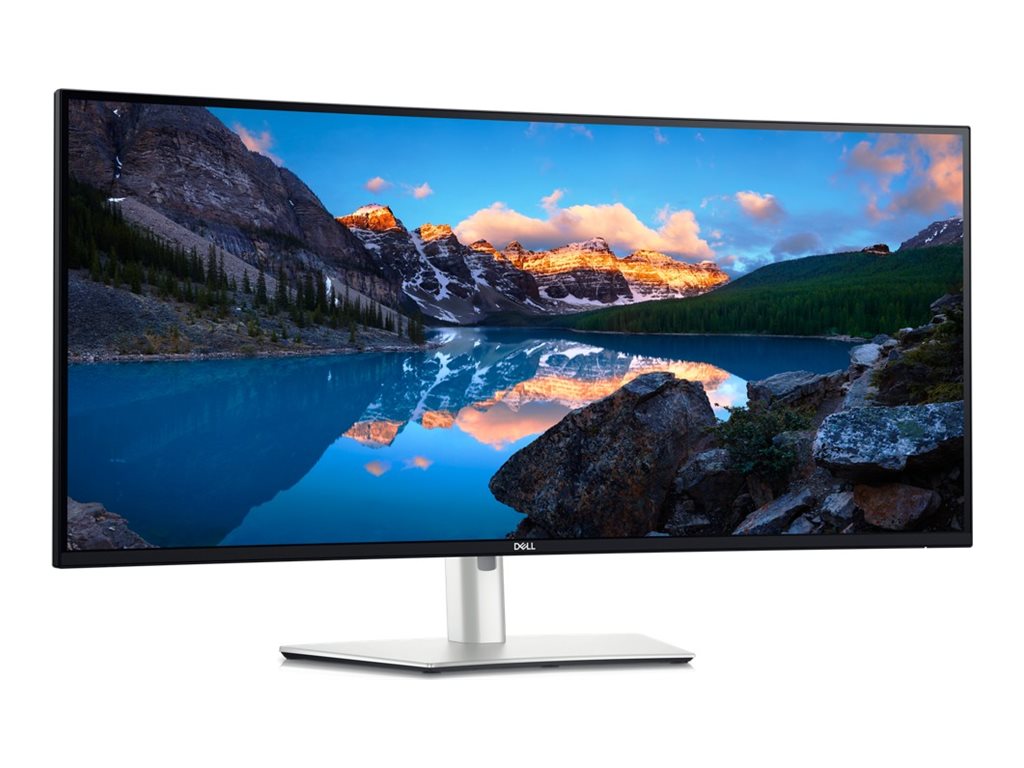
4. Dell U4025QW - Best Ultrawide
For creators who need a lot of screen real estate, the Dell U4025QW is an excellent ultrawide option. This 40-inch 5K2K curved monitor provides an immersive and productive workspace.
Key Specs:- Screen Size: 40-inch
- Resolution: 5120 x 2160 (5K2K)
- Panel Type: IPS Black
- Color Gamut: 99% DCI-P3
- Connectivity: Thunderbolt 4 (140W PD), HDMI, DisplayPort, USB-C hub
- Massive screen real estate
- Excellent color accuracy
- Thunderbolt 4 connectivity with 140W power delivery
- 120Hz refresh rate
- Very expensive
- Requires a powerful computer to drive
5. BenQ EW3280U - Best Budget 4K
For creators on a budget, the BenQ EW3280U offers a lot of value for the money. This 32-inch 4K monitor provides a good balance of features and performance at an affordable price.
Key Specs:- Screen Size: 32-inch
- Resolution: 3840 x 2160 (4K)
- Panel Type: IPS
- Color Gamut: 95% DCI-P3
- Connectivity: USB-C (60W PD), HDMI, DisplayPort
- Affordable price
- Good color coverage
- Built-in speakers with a subwoofer
- HDR support
- Limited ergonomic adjustments
- 60W power delivery may not be enough for some laptops
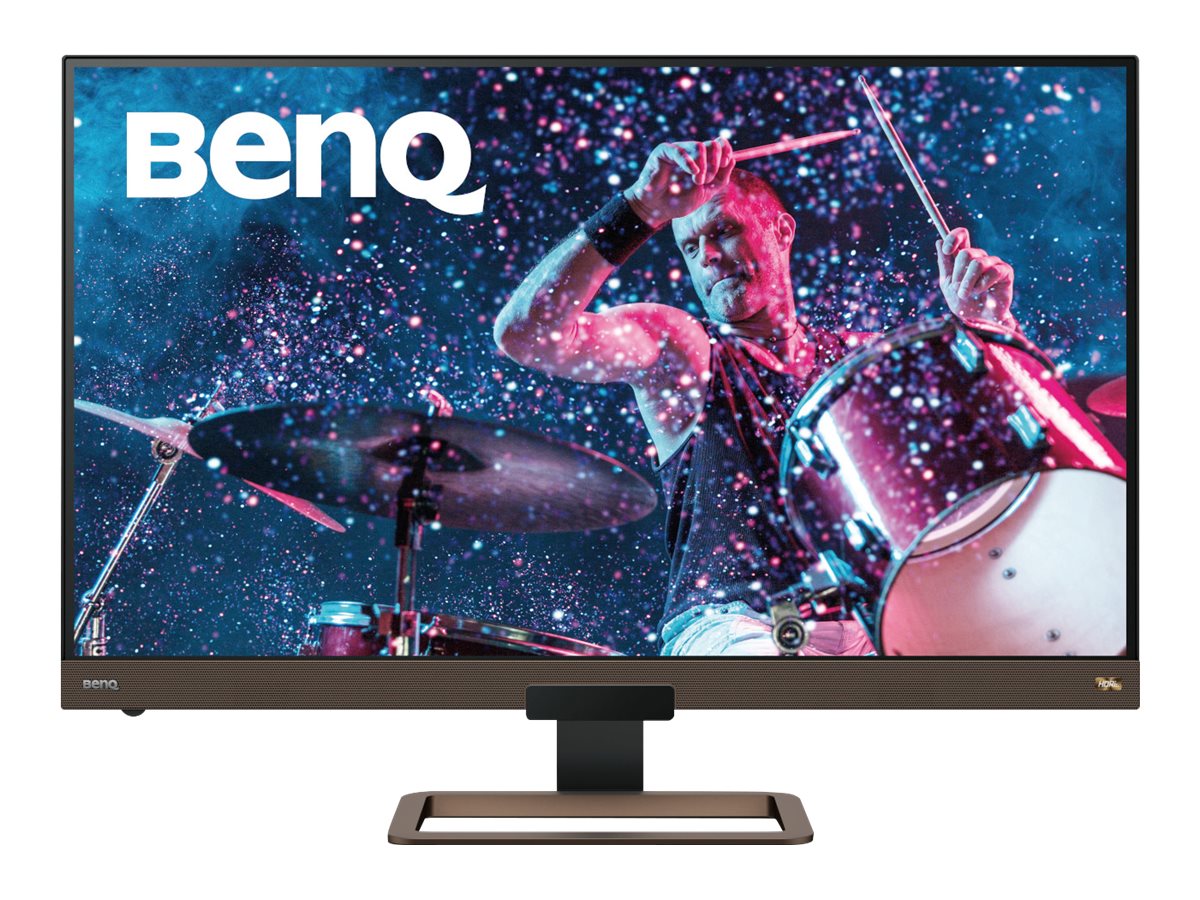
Comparison of the Best Monitors for Creators
| Monitor | Screen Size | Resolution | Color Gamut | Connectivity | Price |
|---|---|---|---|---|---|
| Dell Ultrasharp U2723QE | 27-inch | 4K | 98% DCI-P3 | USB-C (90W PD), HDMI, DP | $$$ |
| BenQ PD3225U | 31.5-inch | 4K | 95% DCI-P3 | Thunderbolt 3 (85W PD) | $$$$ |
| Apple Studio Display | 27-inch | 5K | P3 wide color | Thunderbolt 3 (96W PD) | $$$$$ |
| Dell U4025QW | 40-inch | 5K2K | 99% DCI-P3 | Thunderbolt 4 (140W PD) | $$$$$ |
| BenQ EW3280U | 32-inch | 4K | 95% DCI-P3 | USB-C (60W PD), HDMI, DP | $$ |
Buyer's Guide: What to Look for in a Monitor for Creators
Choosing the right monitor for your creative work can be a daunting task. Here are some key factors to consider:
- Resolution: A higher resolution means a sharper image and more screen real estate. For creative work, a 4K (3840 x 2160) monitor is the minimum you should consider.
- Color Accuracy: Look for monitors with a wide color gamut, such as DCI-P3 or Adobe RGB. Factory calibration and the ability to hardware calibrate are also important for color-critical work.
- Panel Type: IPS (In-Plane Switching) panels are the best choice for creative work, as they offer the best color accuracy and viewing angles.
- Connectivity: USB-C or Thunderbolt connectivity is a must-have for a clean and simple setup. Look for a monitor that can provide enough power to charge your laptop.
- Ergonomics: An adjustable stand that allows you to tilt, swivel, and adjust the height of the monitor is important for a comfortable and ergonomic workspace.
Frequently Asked Questions (FAQ)
Q: Do I need a 4K monitor for creative work?A: While not strictly necessary, a 4K monitor is highly recommended for creative work. The higher resolution provides a sharper image and more screen real estate, which is especially beneficial for photo and video editing.
Q: What is the difference between sRGB, DCI-P3, and Adobe RGB?A: These are all color gamuts, which define the range of colors a monitor can display. sRGB is the standard for the web, while DCI-P3 is the standard for digital cinema. Adobe RGB is a wider gamut that is often used for print work.
Q: What is a good refresh rate for a creative monitor?A: For most creative work, a 60Hz refresh rate is sufficient. However, a higher refresh rate (e.g., 120Hz) can provide a smoother and more responsive experience, especially when working with video.
Q: Do I need a curved monitor?A: Curved monitors can provide a more immersive experience, especially on larger ultrawide displays. However, they are not essential for creative work, and some people prefer the accuracy of a flat screen.
Q: How do I calibrate my monitor?A: For the most accurate colors, you should use a hardware calibration device, such as a colorimeter or spectrophotometer. These devices measure the colors your monitor is displaying and create a custom color profile to correct any inaccuracies.
Conclusion
Choosing the best monitor for your creative work is a personal decision that depends on your specific needs and budget. The monitors we've reviewed in this guide are all excellent choices that will help you take your creative work to the next level.
Check Price on Amazon