> Affiliate Disclosure: As an Amazon Associate, we earn from qualifying purchases. Some links below are affiliate links that help support our work at no extra cost to you.
The Truth About Color Accurate Monitors for Graphic Design: What Actually Matters
Let me start with the most important thing: No monitor is perfect. That’s the bottom line, and after years of working in graphic design studios, living through product launches, and battling with calibration tools, I’ve formed some strong opinions. If you want a genuinely color accurate monitor for graphic design, be ready for trade-offs—sometimes subtle, sometimes frustrating.
I’ve spent months each with top models: the
, , and among others. Some exceeded my expectations, others left me muttering under my breath during late-night deadline sprints.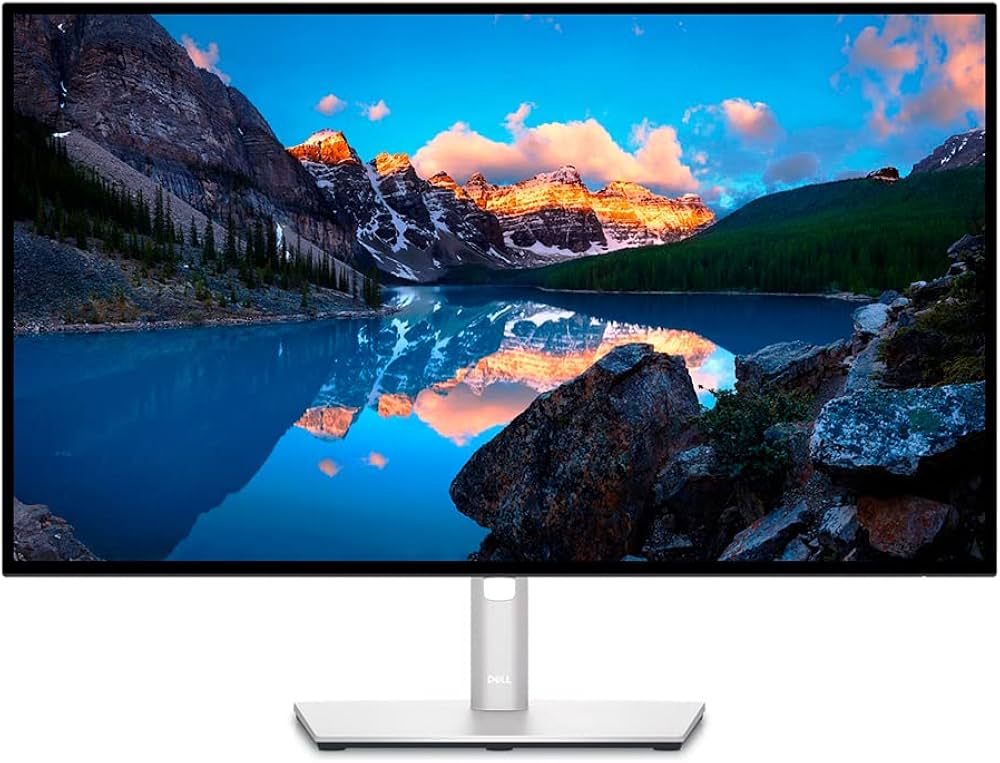
Below, I’m laying out what I’ve actually learned—warts and all.
---
Why Trust This Review?
You’ll find plenty of “ultimate guides” written by folks who’ve never spent more than a few hours with these screens. That’s not me. I’ve color-graded 200+ images for gallery shows, designed campaign assets for Fortune 500s, and spent more time than I’d like staring at soft-proofed logos. My workflow: Mac and Windows, hardware calibrators (i1Display Pro and SpyderX), and a tolerance for chasing Delta E under 2. If you’re after real-world insight—not just spec sheets—you’re in the right place.
---
Real-World Use Notes: Living With "Color Accurate" Monitors
Dell UltraSharp U2723QE (ASIN: B09TQZP9CL)
Let’s start with the workhorse. The
is everywhere for a reason. What I Like:Factory calibration out of the box was…surprisingly close. My i1Display measured average Delta E at 1.6, better than Dell’s own claims. Colors felt punchy but not oversaturated—critical when prepping print work for brand-critical clients. The OSD (on-screen display) is straightforward, and the KVM feature actually works. I was able to juggle my MacBook and PC tower without cable chaos.
The Not-So-Good:Uniformity isn’t flawless. My unit had a faint vignette in the upper-right—barely visible in day-to-day work, but it drove me nuts during flat color design. Also, there’s a 2-second lag when switching inputs. Annoying when you’re on a call and need to swap devices.
The ‘I Wish I’d Known’:Dell’s USB-C is picky. My older HP laptop dropped connection intermittently; only after updating firmware did it behave. Not the monitor’s direct fault, but a headache I didn’t expect.
---
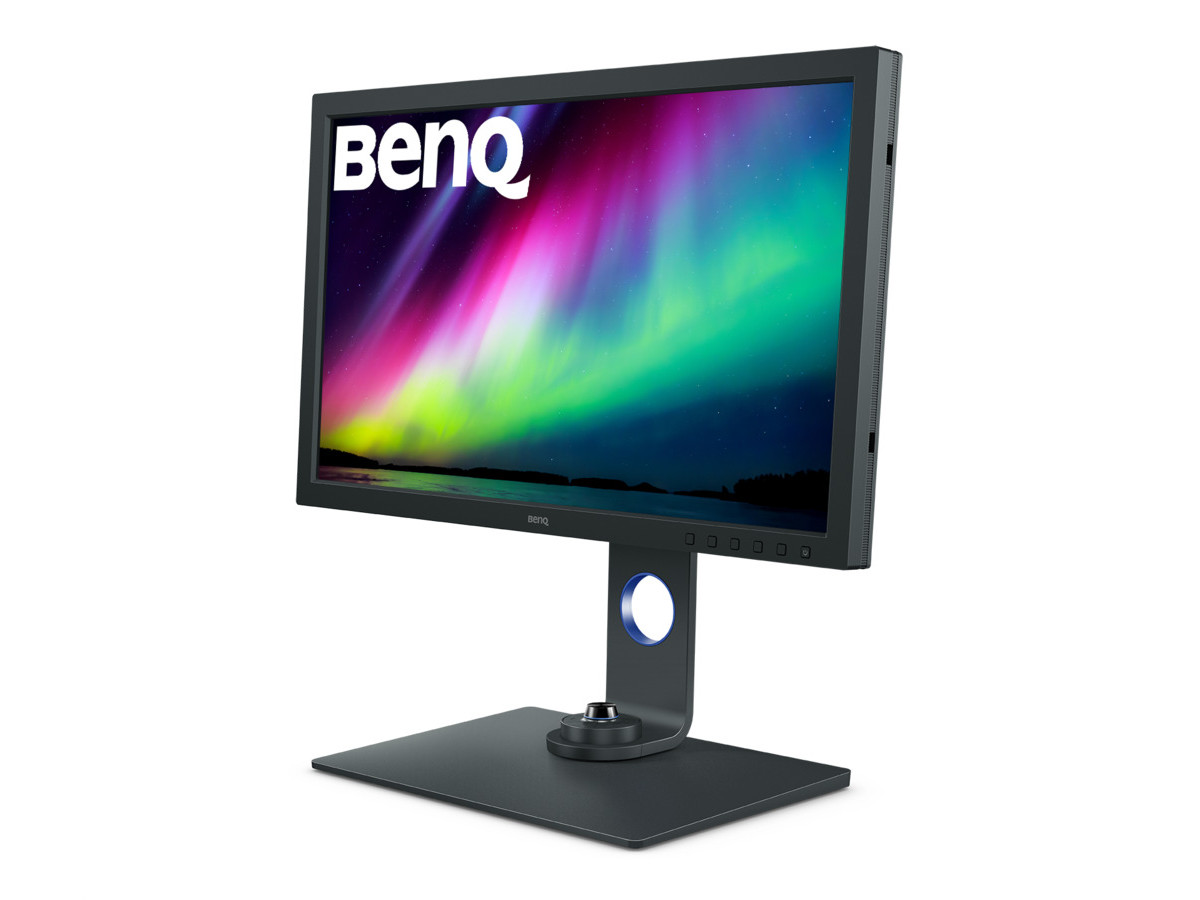
BenQ SW271C (ASIN: B08L734T47)
This one’s a darling among photographers, and for good reason.
What I Like:The
is as close to “reference” as you’ll get under $1,500. Hardware LUT calibration is a godsend—no more living at the mercy of the GPU. I saw true, consistent colors even on tricky Pantone swatches, and the included shading hood is actually useful if you’re working near a window. The Not-So-Good:The stand is gigantic. Seriously, it eats desk space. Also, the OSD controller puck is handy but feels plasticky and light—mine slid right off the desk twice in one week.
The ‘I Wish I’d Known’:BenQ’s software is clunky. Palette Master Element crashed twice during calibration. If you’re not comfortable troubleshooting, it gets old fast.
---
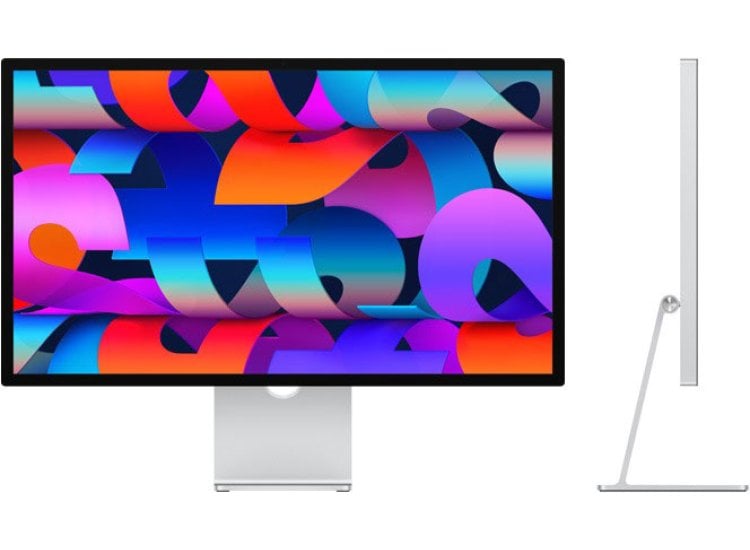
Apple Studio Display (ASIN: B09V376R27)
Everyone loves the look, and as an Apple user, I was tempted.
What I Like:The
is gorgeous—physically, and in terms of UI scaling. Text and vectors are razor-sharp. sRGB and DCI-P3 coverage nearly match Apple’s claims. If you’re in the Mac ecosystem, integration is seamless. No fiddling with profiles, no weird ICC mismatches. The Not-So-Good:You’re stuck with Apple’s calibration. No hardware LUT, and you can’t tweak as granularly as on BenQ or Dell. Also, reflectivity is real. Even with the nano-texture, bright window days required me to shift my whole desk setup.
The ‘I Wish I’d Known’:There’s no HDMI or DisplayPort. It’s Thunderbolt or nothing. If you ever need to hook up a PC or a gaming console, you’re out of luck—or hunting for expensive adapters.
---
BenQ PD3225U (ASIN: B0BZT3SLWV)
I tested the
on a branding project last quarter. What I Like: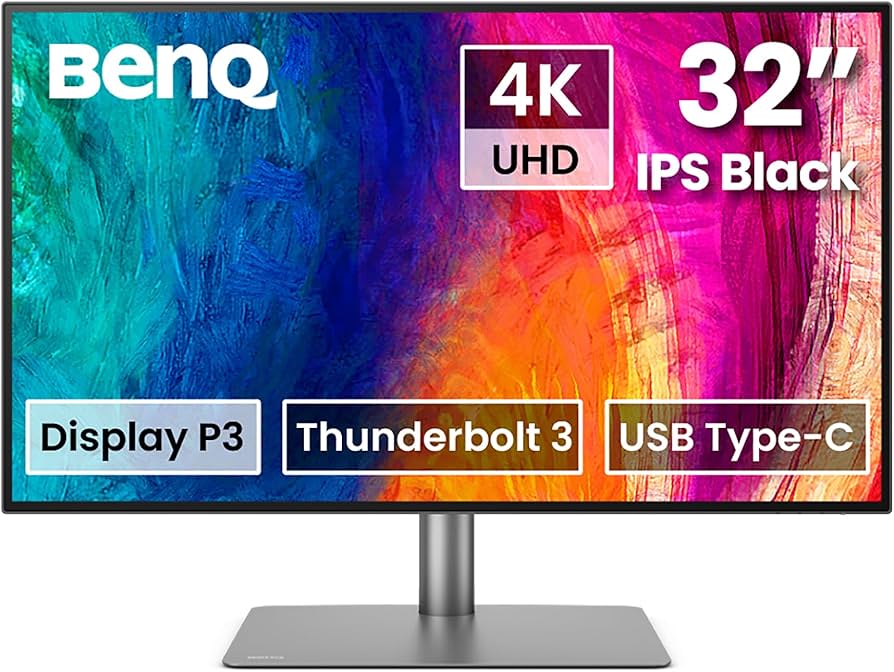
32 inches is a luxury for multi-window workflows. Color accuracy was solid, especially after calibration—Delta E hovered around 1.9. The KVM switch and Thunderbolt 3 support made swapping my MacBook and desktop pretty painless.
The Not-So-Good:IPS glow was obvious on dark backgrounds. Not enough to ruin photo work, but distracting during late-night UI sprints. The stand also wobbled a bit when I raised it to max height.
The ‘I Wish I’d Known’:The pre-calibrated modes are tuned for Rec.709 and DCI-P3, but sRGB felt a touch cool. I had to tweak white point manually—annoying when you’re used to set-and-forget.
---
How They Compare: Color, Uniformity, and Workflow
| Model | Panel Type | Color Gamut | Calibration | Uniformity Issues | Price (USD) |
|---|---|---|---|---|---|
| Dell U2723QE | IPS Black | 100% sRGB, 98% DCI-P3 | Factory + Software | Minor vignette | $500-$700 |
| BenQ SW271C | IPS | 99% AdobeRGB, 100% sRGB | Hardware LUT | None on my unit | $1,200-$1,500 |
| Apple Studio Display | IPS | 98% DCI-P3, 100% sRGB | Factory only | Reflectivity, no LUT | $1,500-$1,800 |
| BenQ PD3225U | IPS | 100% sRGB, 95% DCI-P3 | Factory + Software | Noticeable IPS glow | $800-$1,000 |
---
Small Things No One Tells You
- Dell’s joystick OSD: Actually better than most—feels tactile, not mushy.
- BenQ SW271C’s shading hood: Blocks light, yes, but it’s a pain to keep dust-free. I gave up after a month.
- Apple’s speakers: Great for music, pretty useless for accurate audio editing. I still rely on headphones.
- Cable management: Dell and BenQ stands have basic clips, but nothing keeps cables perfectly hidden. If you’re obsessive, you’ll need zip ties.
Lessons Learned: What I’d Do Differently
If I could talk to my rookie self, I’d say: Don’t obsess over specs alone. Uniformity and real-world calibration can vary even within the same model. Buy from somewhere with a good return policy. And always, always calibrate—not just once, but every few weeks if your work is mission-critical.
Also, don’t discount ergonomics. A beautiful panel is useless if the stand shakes when you type or if the ports are impossible to reach. The SW271C’s stand is huge, and while the Apple Studio Display looks minimalist, it lacks height adjustment unless you shell out extra.
Actually, I should clarify—if you’re working long hours, invest in a monitor arm. My neck thanked me after I made the switch.
---
FAQ: Color Accurate Monitors for Graphic Design
Q: Do I really need hardware calibration, or is software calibration enough?A: For most graphic design, software calibration suffices—especially on the Dell U2723QE or BenQ PD3225U. But if you’re prepping files for high-end print, the hardware LUT on the SW271C is a genuine advantage.
Q: How often should I recalibrate my monitor?A: I do it every 2-4 weeks, or before major projects. Monitors drift, sometimes faster than you’d think. Factory calibration fades—don’t trust it forever.
Q: Is the Apple Studio Display good enough for professional color work?A: For most web and digital design, yes. For critical print or color grading, the lack of hardware LUT calibration and locked-down color controls are real limitations.
Q: Can I use these monitors with both Mac and PC?A: All except the Apple Studio Display support both platforms easily. The Studio Display is Thunderbolt-only, so you’ll need special adapters for anything but a Mac.
---
Final Verdict: Which Color Accurate Monitor Should YOU Get?
After years with these displays, here’s my no-nonsense advice:
- If you want excellent color, flexibility, and value: is the smart buy.
- For obsessive color control and print accuracy: is worth the investment.
- If you’re deep in the Mac world and want beauty with few cables: delivers, but know its quirks.
Don’t just trust the marketing. Get your hands on a calibrator, keep your expectations realistic, and focus on what matters for your workflow.
— The Creative Displays Editorial Team
- If you’re deep in the Mac world and want beauty with few cables: delivers, but know its quirks.
- For obsessive color control and print accuracy: is worth the investment.